Quick Answer
A FAQ, short for Frequently Asked Questions, is a list of common questions and answers about a product, service, website, business, event, or topic. It helps people quickly find the information they need without contacting customer support. FAQs improve the user experience, save time, reduce confusion, and often help websites rank better in search engines by answering common search queries in a clear and organized way.
Introduction
If you have ever visited a website looking for shipping details, return policies, pricing, account help, or product information, chances are you have used a FAQ page. Businesses, schools, software companies, online stores, and organizations use FAQs to answer questions that people ask repeatedly.
People search for the term FAQ for different reasons. Some want to know what FAQ means, while others want to learn how to write one, where to place it on a website, or why it is important for SEO and customer support. Understanding FAQs is useful whether you run a blog, own an online business, manage a website, or simply want to organize information more effectively.
This guide explains the meaning of FAQ, where it is used, how to write effective frequently asked questions, common mistakes to avoid, practical examples, and why FAQs are valuable for both users and search engines.
What Does FAQ Mean?
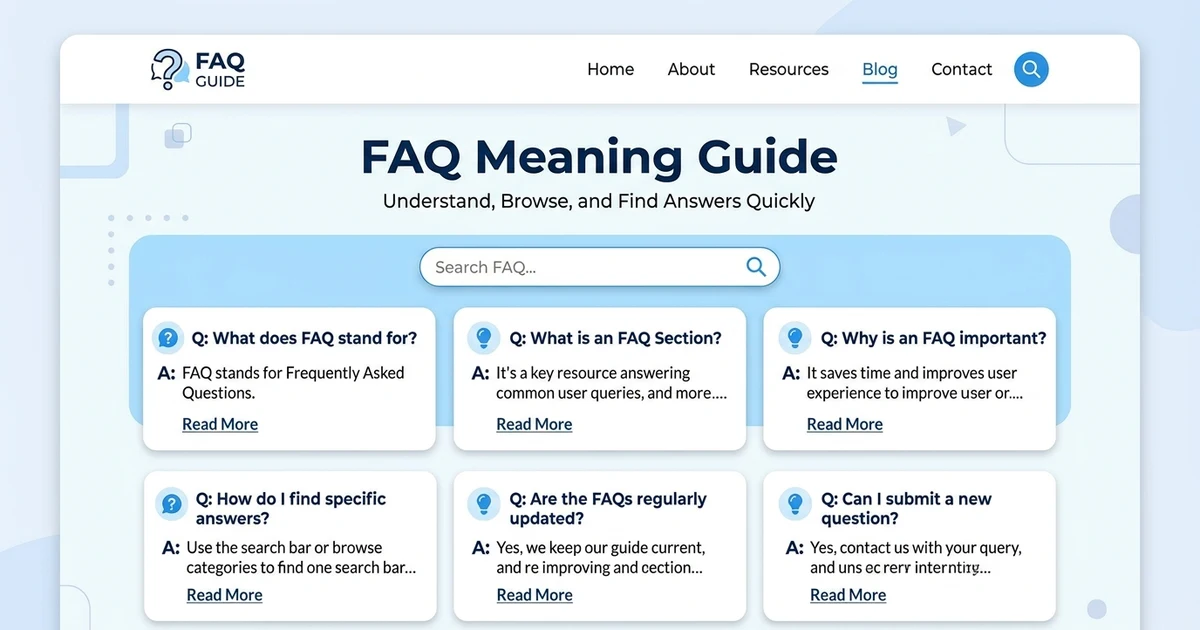
FAQ stands for Frequently Asked Questions.
It refers to a collection of questions that people commonly ask about a particular topic, along with clear and helpful answers. Instead of responding to the same questions repeatedly, businesses and website owners create FAQ sections so visitors can find answers on their own.
Although FAQ usually refers to a webpage, it can also appear in printed manuals, mobile apps, customer support documents, online communities, educational resources, and product guides.
The meaning of FAQ stays the same across most industries, but the questions themselves depend on the purpose of the website or service.
For example:
- An online store may answer questions about shipping, returns, warranties, and payments.
- A software company may explain installation, licensing, updates, and troubleshooting.
- A school may answer questions about admissions, fees, and academic programs.
- A healthcare provider may answer general questions about appointments and services.
Because FAQs answer common questions in one place, they improve the user experience and reduce unnecessary support requests.
FAQ Meaning in Different Contexts
| Meaning | Where It Is Used | Simple Explanation | Example |
|---|---|---|---|
| Frequently Asked Questions | Websites | Common questions with answers | Shipping FAQ |
| FAQ Page | Business websites | Dedicated page containing FAQs | Online store FAQ |
| FAQ Section | Product pages | Questions related to one product | Laptop warranty FAQ |
| Help Center FAQ | Customer support | Answers to support questions | Account recovery FAQ |
Why FAQs Are Important
A well written FAQ section benefits both website visitors and website owners.
Some of the biggest advantages include:
- Saves customer support time
- Answers common questions quickly
- Builds trust with visitors
- Improves customer satisfaction
- Helps users make informed decisions
- Reduces confusion before purchasing
- Supports better website navigation
- Can improve SEO by covering common search queries naturally
Instead of forcing users to contact support, a FAQ gives instant answers that help them continue their journey.
Where FAQs Are Commonly Used
FAQs appear in many places, including:
- Business websites
- Ecommerce stores
- Software companies
- Schools and universities
- Healthcare websites
- Government services
- Banking websites
- Mobile applications
- Membership websites
- Online courses
- Event websites
- Blogs and knowledge bases
Almost any website that receives repeated questions can benefit from a FAQ section.
How to Create an Effective FAQ
Writing a FAQ is not simply listing random questions. It should answer the questions your audience actually asks.
Identify Common Questions
Collect questions from:
- Customer support emails
- Live chat conversations
- Social media comments
- Search engine queries
- Product reviews
- Community forums
The more often people ask a question, the more valuable it becomes for your FAQ.
Write Clear Questions
Use simple language.
Instead of writing technical phrases, write questions exactly as people ask them.
For example:
How long does shipping take?
Can I return a product after 30 days?
How do I reset my password?
Give Direct Answers
Answer the question immediately.
Avoid unnecessary introductions.
Keep answers clear, practical, and easy to understand.
Keep Information Updated
Policies, pricing, software features, and services change over time.
Review your FAQ regularly so visitors always receive accurate information.
Good FAQ Examples
Here are a few examples of effective frequently asked questions.
Question: How long does delivery take?
Answer: Standard delivery usually arrives within three to five business days, depending on your location.
Question: Can I change my password?
Answer: Yes. Go to your account settings, select Security, and choose Change Password.
Question: Is customer support available on weekends?
Answer: Support hours vary by company. Check the contact page for current availability.
These answers are short, direct, and helpful.
Common Use Cases
FAQs serve different purposes depending on the industry.
| Situation | What It Means | What To Do | Simple Example |
|---|---|---|---|
| Online shopping | Customer needs buying information | Answer shipping and returns | Return policy |
| Software | User needs technical help | Explain installation | App setup |
| Education | Student has admission questions | Explain requirements | Application deadline |
| Events | Visitors need event details | Share schedule and location | Event timing |
| Membership site | User needs account help | Explain login process | Password reset |
Best Practices for Writing FAQs
A useful FAQ should always focus on helping the reader.
Some best practices include:
- Use plain English.
- Answer real customer questions.
- Keep answers concise.
- Organize questions into categories if there are many.
- Update outdated information.
- Include links to detailed resources when needed.
- Make the FAQ easy to scan.
- Avoid marketing language inside answers.
FAQ and SEO
A FAQ can support SEO when it genuinely answers questions that people search for.
Search engines prefer helpful content that solves users’ problems.
An effective FAQ may:
- Target long tail search queries.
- Improve topical relevance.
- Increase user engagement.
- Reduce bounce rates by answering questions quickly.
- Help visitors stay longer on your website.
However, FAQs should exist to help users first. Adding unnecessary questions only to include keywords can reduce content quality.
Similar Terms
Several terms are related to FAQ, but they are not exactly the same.
| Term | Meaning | Best Use | Example |
|---|---|---|---|
| FAQ | Frequently Asked Questions | General information | Website FAQ |
| Help Center | Collection of support articles | Detailed support | Software help center |
| Knowledge Base | Large library of documentation | Technical products | Product documentation |
| User Guide | Step by step instructions | Learning a product | Setup guide |
| Documentation | Complete technical reference | Developers | API documentation |
Common Mistakes
Many websites create FAQ pages that do not actually help visitors.
Common mistakes include:
- Writing questions nobody asks.
- Giving vague or incomplete answers.
- Using complicated technical language.
- Repeating information already explained elsewhere.
- Ignoring updates after policies change.
- Creating excessively long answers for simple questions.
- Confusing FAQs with detailed tutorials.
Remember that a FAQ should answer common questions quickly. If a topic requires a complete guide, link to a dedicated article instead of placing everything inside the FAQ.likho
Conclusion
A FAQ is much more than a simple list of questions and answers. It is a valuable resource that helps people find information quickly, reduces confusion, and improves the overall user experience. Whether you run a business website, an online store, a blog, or a support center, a well organized FAQ section can save time for both you and your visitors. Focus on answering real questions in clear, simple language, keep the information updated, and organize it logically. When created thoughtfully, a FAQ can also strengthen your website’s SEO by covering common search queries naturally and providing useful, trustworthy content.
Frequently Asked Questions
What does FAQ stand for?
FAQ stands for Frequently Asked Questions. It is a collection of common questions and answers about a product, service, business, website, or topic.
Why is a FAQ important?
A FAQ helps visitors find answers quickly without contacting customer support. It improves the user experience, saves time, and reduces repetitive questions.
Is a FAQ page good for SEO?
Yes. A well written FAQ page can support SEO by answering real user questions naturally and making your content more useful. However, it should focus on helping users rather than stuffing keywords.
What should be included in a FAQ?
A good FAQ should include the most common questions your audience asks, along with clear, accurate, and easy to understand answers.
How many questions should a FAQ have?
There is no fixed number. Include only the questions that are genuinely useful to your audience. Quality matters more than quantity.
Where should I place a FAQ on my website?
You can create a dedicated FAQ page or add FAQ sections to product pages, service pages, or other pages where visitors commonly need additional information.
How often should a FAQ be updated?
Review your FAQ regularly and update it whenever your products, services, policies, or procedures change so the information stays accurate.
What is the difference between a FAQ and a Help Center?
A FAQ provides quick answers to common questions, while a Help Center usually contains detailed guides, tutorials, and troubleshooting articles for more complex topics.